configuration
Pi-hole DHCP Server Setup Guide (v6, Step by Step)
Enable Pi-hole's DHCP server in v6: turn off router DHCP first, set pool, gateway and lease time, add reserva…
Pi-hole hardware requirements start at 512 MB RAM and 2 GB free disk, with 4 GB disk space recommended. You also need a supported operating system and a stable IP address.
Start with the official minimums, then compare Raspberry Pi models and mini-PC options in the requirements guide before choosing a host.

Pi-hole v6 is the closest AdGuard Home alternative. Technitium suits recursion and clustering, Blocky suits containers, and NextDNS skips the server.
Read the article →Enable Pi-hole's DHCP server in v6: turn off router DHCP first, set pool, gateway and lease time, add reserva…
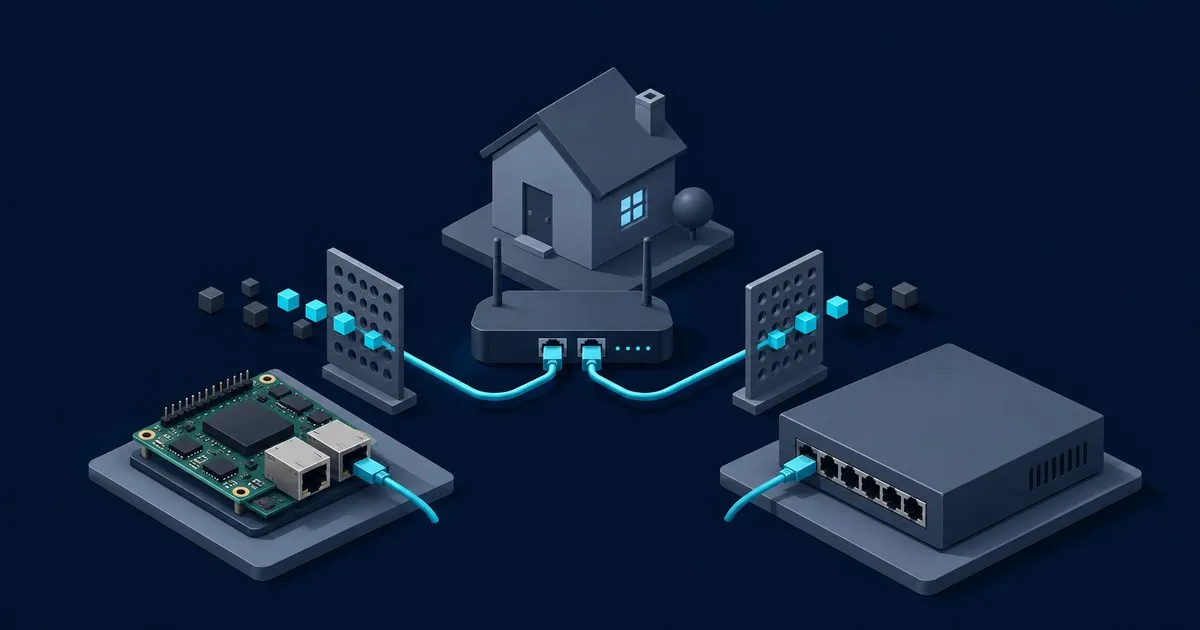
Choose Pi-hole alongside pfSense for separate DNS filtering, client groups and router independence, with pfBl…
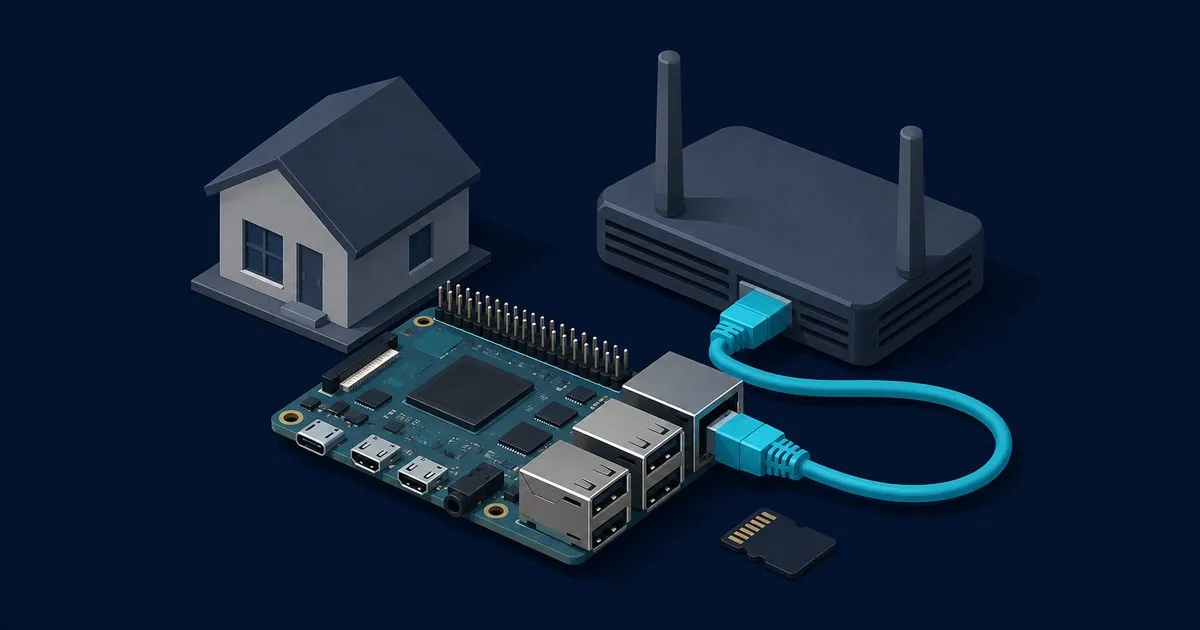
Set up Pi-hole on a Raspberry Pi under v6: prerequisites, a fixed IP, the installer, upstream choice, DHCP op…

Pi-hole needs at least 512 MB RAM, 2 GB free disk (4 GB recommended), a static IP and a supported OS. See whi…

Pi-hole vs AdGuard Home compares encrypted DNS, packaging, privileges, configuration, parental controls, and …

A step-by-step diagnostic order for a Pi-hole that stopped blocking, from checking whether queries arrive at …